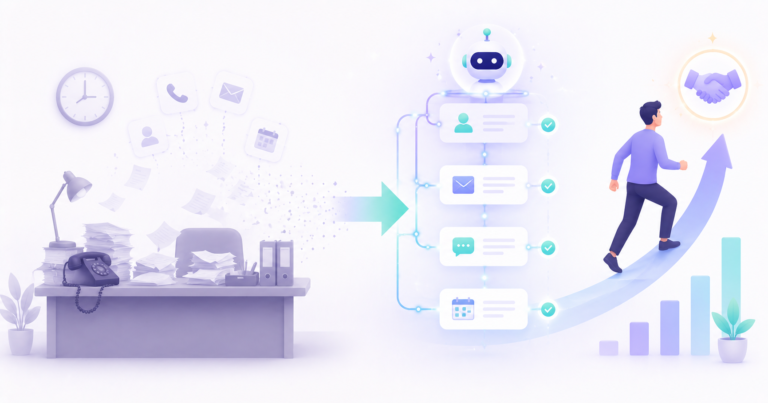
Most people think setting up an AI sales agent takes months and a technical team. It does not. With the no code tools available in 2026, you can have a working agent answering leads, qualifying them, and booking meetings inside a week. The reason most people never get there is not difficulty. It is that they try to automate everything at once and stall.
This is the plan I would follow if I had to learn how to set up an AI sales agent from a standing start. Seven days, one focused workflow, and a clear order of operations so you never get stuck wondering what comes next. No fluff, no theory you cannot use. By Day 7 you have something live and measurable.
One honest warning before we start. This guide assumes you already get some inbound interest, even a trickle. If you do, the agent will pay for itself fast. If you have no leads at all, fix that first, because an agent amplifies demand, it does not create it. With that out of the way, here is the week.
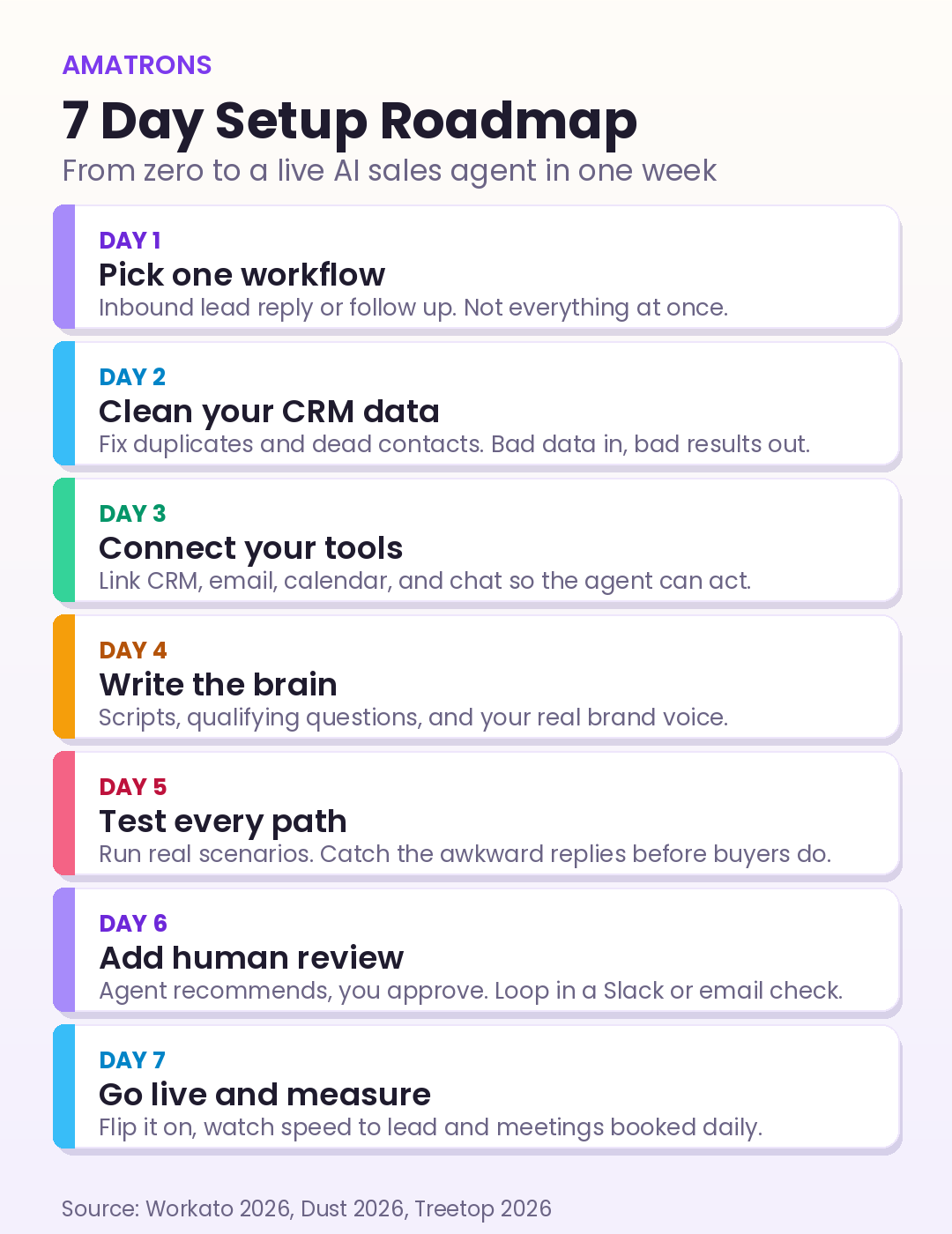
Day 1: Pick one workflow and one job
The single biggest mistake is starting too broad. Do not try to build an agent that does prospecting, qualification, follow up, support, and onboarding on day one. Pick one high impact job and nail it. The best place to start, backed by sales operations teams in 2026, is inbound lead handling or follow up automation, because the results are immediate and easy to measure.
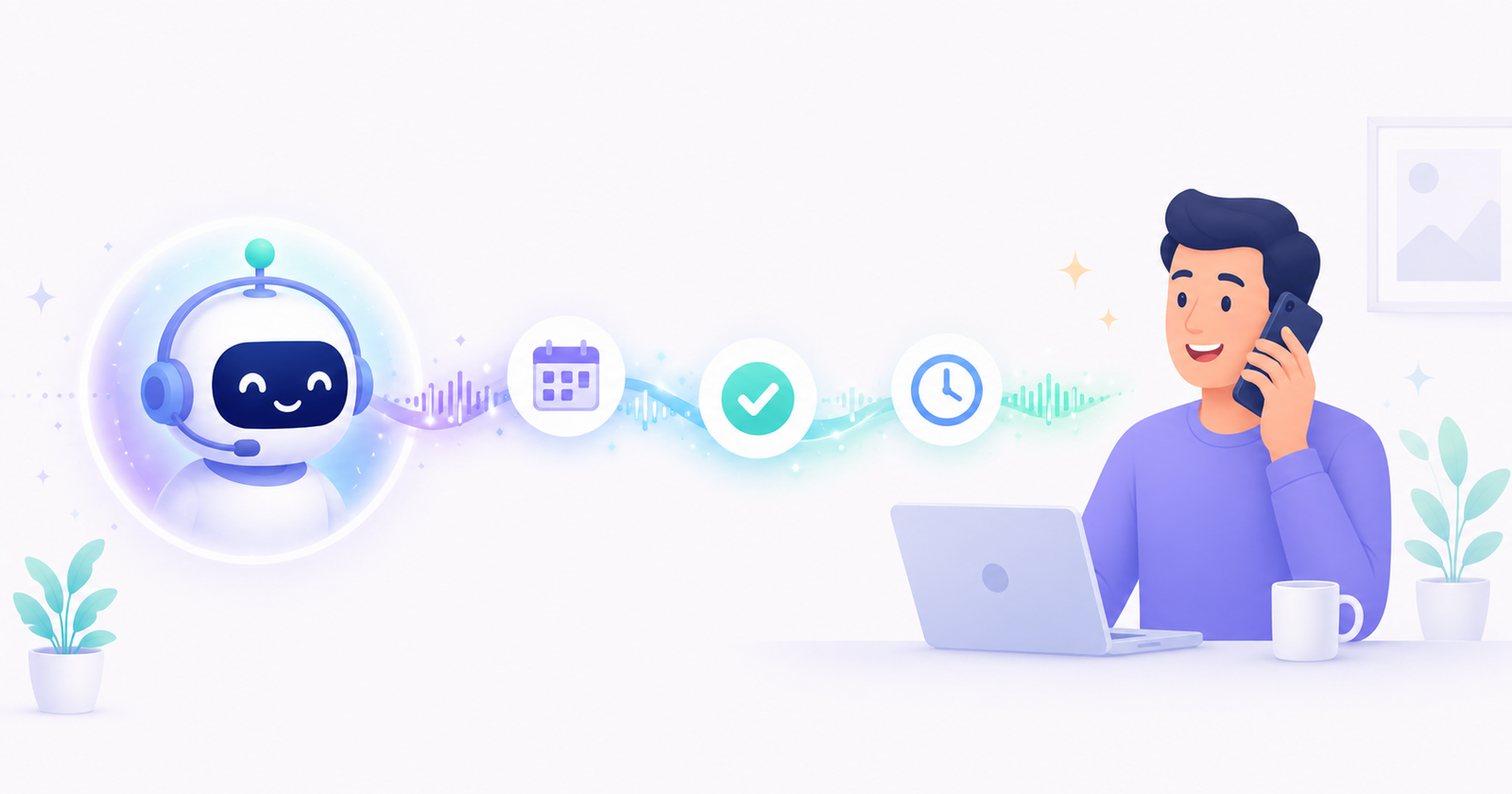
For most coaches, consultants, and small B2B teams, the winning first job is this: instantly respond to every new inbound lead, ask two or three qualifying questions, and book the qualified ones onto your calendar. That is it. If you want a refresher on what these systems actually are before you build one, our pillar guide on what an AI sales agent is covers the fundamentals in plain language.
Day 2: Clean your data before you touch any tool
This is the day everyone wants to skip, and the day that decides whether your agent works. An AI sales agent is only as good as the data it reads. Bad data in, bad decisions out. If your contact list is full of duplicates, dead emails, and half filled records, the agent will confidently do the wrong thing at speed.
Spend Day 2 doing the boring work. Merge duplicate contacts, delete dead records, and make sure your lead source actually captures the fields the agent needs, like name, email, and what the person is asking about. If you have never automated your data flow before, our guide to no code AI automation shows how to connect lead sources without writing code.
Day 3: Connect your tools so the agent can act
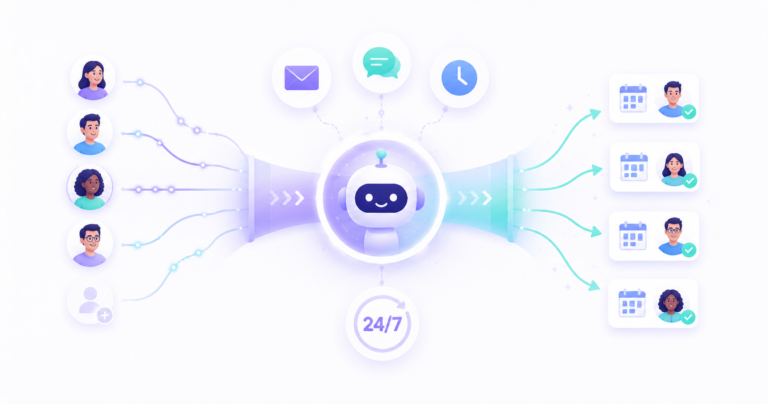
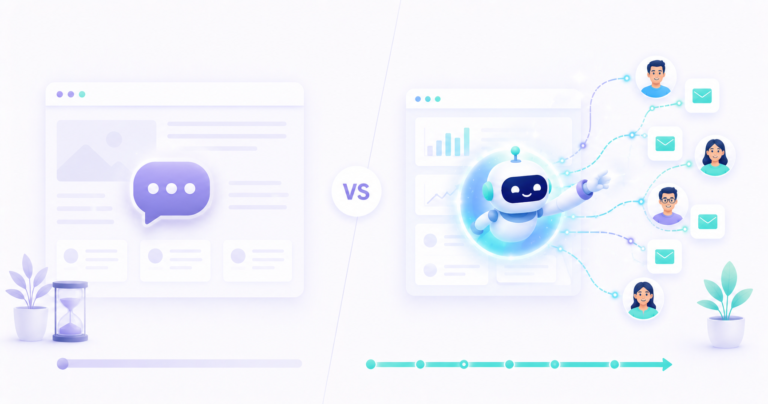
An agent that can only talk is a chatbot. An agent that can act needs to be wired into the tools where your sales actually happen. On Day 3 you connect the plumbing. At minimum that means your lead source, your CRM, your email, and your calendar. Add your chat channel, like WhatsApp or website chat, if that is where leads come in.
You do not need code for this. No code platforms like Make and n8n let you link these tools with visual workflows, so a form submission can trigger the agent, which then updates the CRM and books a calendar slot. This is the same connective tissue behind any solid workflow automation setup, and it is what turns a clever reply into a booked meeting.
The connections most setups need
- Lead source to agent. Form, ad, or chat message triggers the agent instantly.
- Agent to CRM. Every conversation and qualification gets logged automatically.
- Agent to calendar. Qualified leads get booked without back and forth.
- Agent to you. A Slack or email ping when a hot lead needs a human.
Day 4: Write the brain, scripts, questions, and voice
This is where your agent stops being generic and starts sounding like your business. Day 4 is about the content: the opening message, the qualifying questions, the answers to common objections, and the booking flow. An out of the box agent with no training on your offer and brand voice will sound like every other bot, and buyers tune that out instantly.
Write a short, friendly opening that names your business. Pick three qualifying questions that actually predict a good fit, not vanity questions. Load your pricing and FAQ answers into the agent knowledge base so it can handle the obvious questions. And define your brand voice clearly, because AI personalized messages have to sound like a human on your team wrote them. To understand how the agent uses all this to make decisions, this loop is worth seeing.
Here is the kind of structure that works. Opening: a warm one line greeting that names your business and asks how it can help. Qualifying questions: keep them to three, for example what they are trying to fix, their rough timeline, and whether they are the decision maker. Branching: route the good fits straight to your calendar, send the not yet ready ones a useful resource, and politely close the clear mismatches. Handoff: the moment a lead is hot or asks something unusual, the agent flags you instead of guessing. Simple beats clever here. A short, clear flow converts better than a sprawling script that tries to cover every possibility.
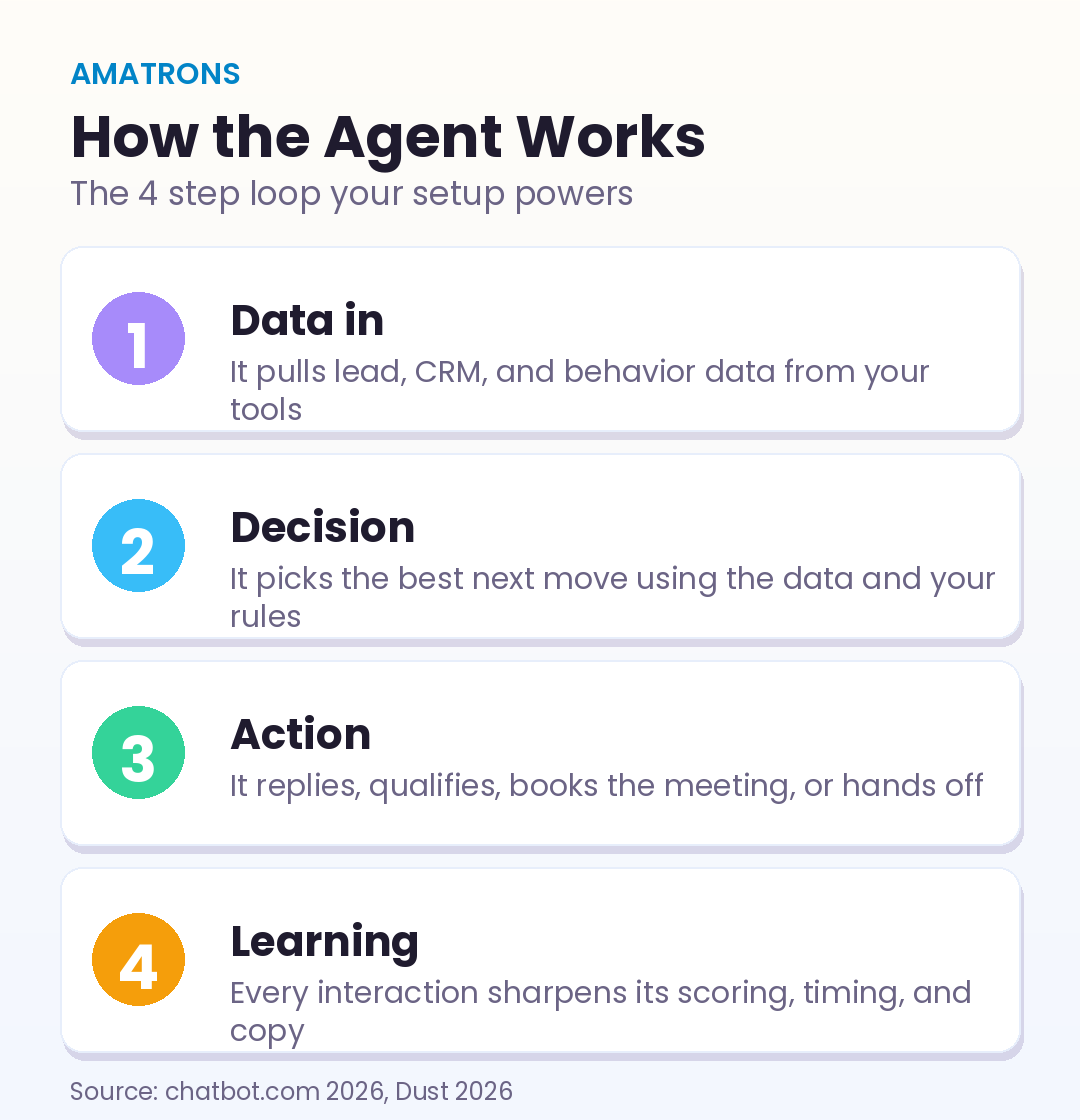
The agent pulls in the lead data, decides the best next step from your rules, takes the action, and learns from the result. Your Day 4 work is what powers the decision and action steps. Get the questions and voice right and the rest of the loop works in your favor.
Day 5: Test every path before a real lead sees it
Never let a customer be your first tester. On Day 5, run the agent through real scenarios yourself and with a friend or teammate. Play the interested buyer, the skeptical one, the one who asks about price, and the one who is clearly not a fit. Watch how the agent handles each path.
You are looking for three things: replies that sound natural, questions that branch correctly, and a booking flow that actually lands a meeting on your calendar. Fix the awkward responses now. This is exactly how serious teams deploy, by getting the agent to consistently hit its marks in a safe sandbox before a single real prospect touches it.
Day 6: Add a human in the loop
For your first week live, do not let the agent run fully alone. The smart move, and the standard one for new deployments in 2026, is a human in the loop setup. The agent does the work, recommends the next step, and a human approves or steps in for anything sensitive. You scale back the oversight as your trust in the agent grows.
Set this up simply. Have the agent post a notification when a lead replies positively or when a conversation gets unusual, so you can jump in. This catches edge cases, builds your confidence, and protects your brand while the agent proves itself. It is the difference between automation you trust and automation you nervously babysit.
Day 7: Go live, then measure from day one
Time to flip the switch. But before you do, record your baseline, because Day 7 is also when measurement starts. Note your current speed to lead, how many meetings you book per week, and your lead to meeting rate. These are the numbers the agent should move.
The reason speed to lead sits at the top of that list is simple. Research analyzing millions of leads found that responding within five minutes makes you 21 times more likely to qualify a lead than waiting just 30 minutes, a gap no human team can hold around the clock. Your agent closes that gap to seconds. To see the kind of return that follows, our breakdown of the ROI of an AI sales agent in the first 90 days lays out the real numbers.
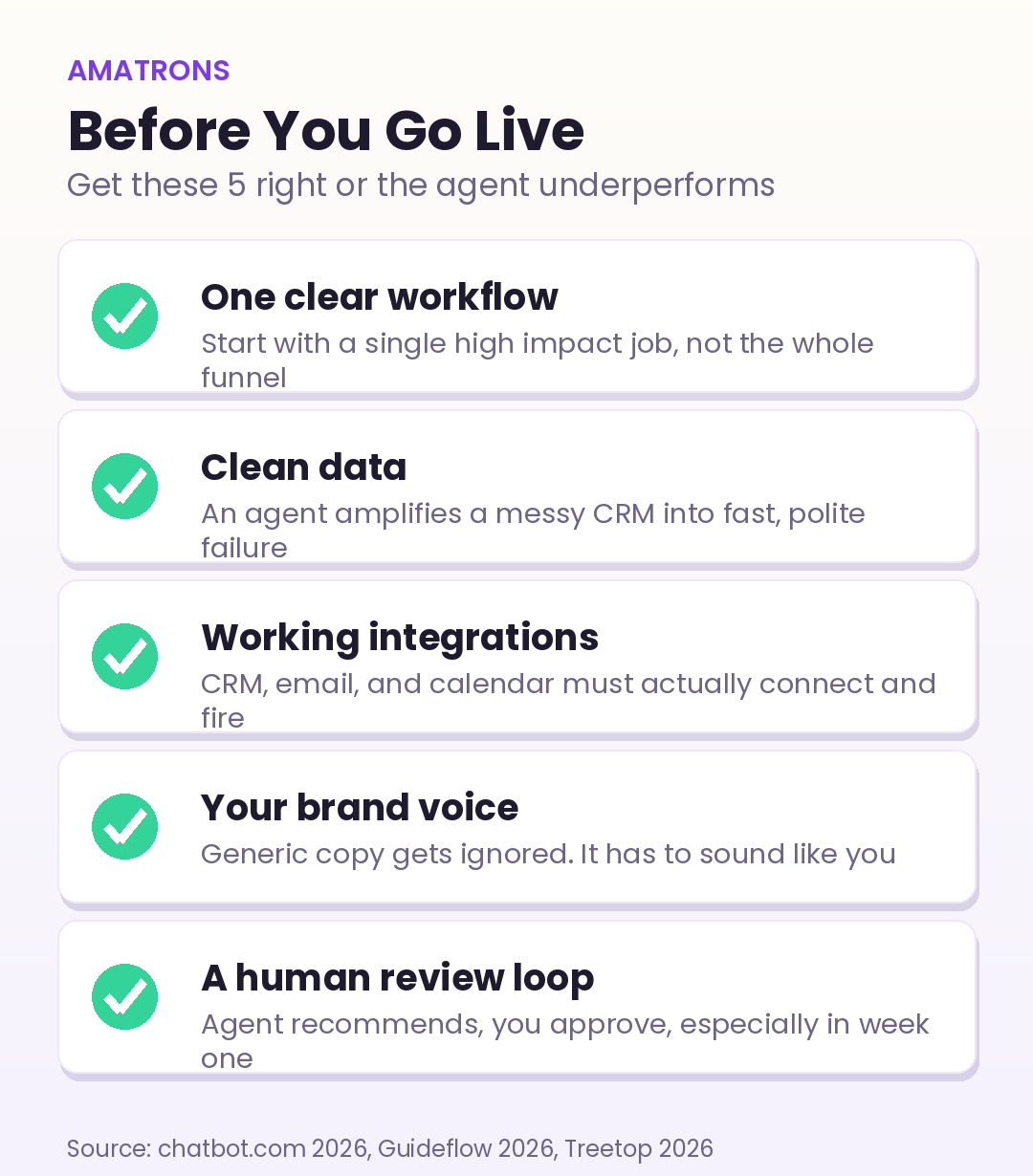
What it actually costs to run
Cost is the question everyone asks once they see the plan, so here is a straight answer. You can start much leaner than the enterprise pricing you see quoted online. A lean stack for a solo operator or small team in 2026 runs through free or low cost tiers of a no code automation tool, a calendar, and a CRM, plus the AI model usage itself. Many founders get their first agent running for under the cost of a single afternoon of an employee’s time.
The point is not to chase the cheapest tools. It is to avoid overbuying before you have proof. Start with what you already pay for, add only what the one workflow needs, and let the results justify the next upgrade. The cost of the agent is almost never the real question. The real question is the cost of every lead that currently dies in your inbox because no one replied in time.
What to do after week one
Once your first workflow is running clean, you expand. Add a second job, like reactivating old leads or following up after demos. Then layer in more channels. The mistake to avoid is expanding before the first workflow is solid. One reliable agent beats five half working ones.
As you grow, treat this like any other automation discipline. The same thinking that powers broader AI automation across your business applies here: start narrow, measure everything, and only scale what is proven. When you are ready to build a serious one or want it done for you, our AI sales agent service handles the setup, scripts, and integrations end to end.
For the technical build itself, the no code automation platform n8n is a strong free starting point for wiring tools together, and broader market guidance from Gartner on agentic AI is worth reading before you scale your stack.
The honest bottom line
Setting up an AI sales agent in 7 days is realistic if you stay disciplined. Pick one job, clean your data, connect your tools, write a real brain, test hard, keep a human in the loop, then go live and measure. The teams that succeed are not the ones with the fanciest tools. They are the ones who started narrow and shipped something live instead of planning forever.
The clock starts the moment you write that one sentence on Day 1. Most of the value is in finishing the week, not perfecting it. Build it, ship it, and let the numbers tell you what to improve next.